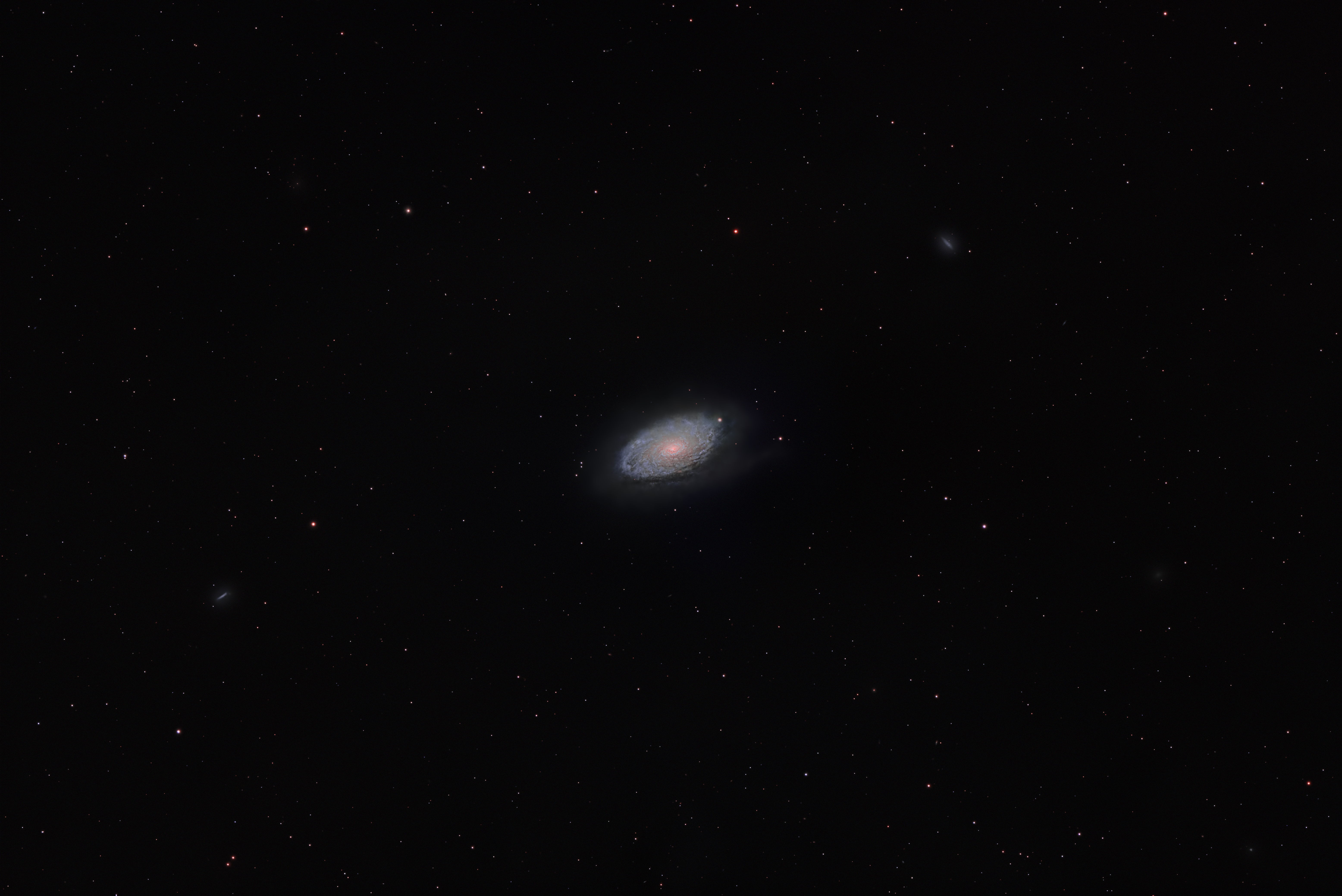

Here is two hours of urban data taken in May of M63. Although it doesn't go as deep as five hours from a dark sky site it still show hints of the outer envelope surrounding the galaxy.
With the right equipment and techniques, interesting images can be captured even in a bright urban setting like my driveway.
According to Wikipedia - Messier 63 or M63, also known the Sunflower Galaxy, is a spiral galaxy in the northern constellation of Canes Venatici.
M63 was first discovered by the French astronomer Pierre Méchain, then later verified by his colleague Charles Messier on 14 June 1779. In the mid-19th century, Anglo-Irish astronomer Lord Rosse identified
spiral structures within the galaxy, making this one of the first galaxies in which such structure was identified.
Many astro-imagers don't capture data from urban settings and only get a couple of images a year as a result, but careful target selection, proper filters and the a bit of processing can produce
spectacular images even from urban settings. Click on the image for a 100 percent zoom. Click again to return to this page.
| RA: | 13:15:48 |
| Dec: | +42:01:59 |
| Date: | May 2026 |
| Exposure: | 120 minutes(12 X 10 minute subs) |
| Conditions: | Bortle 7 skies with first quarter Moon |
| Gain: | 100 |
| Camera: | Zwo ASI2600MC Pro |
| Optics: | Prime focus of a SkyWatcher Esprit 120 f/7 APO refractor with a focal length of 840 mm |
| Filter: | none |
| Location: | Bedford, Nova Scotia |
Processed entirely in PixInsight using several plug-ins, Blur Exterminator for deconvolution, Noise Exterminator for noise reduction, GHS for stretching, Seti-Astro
suite for mask generation, GraXpert for gradient removal and StarNet++ to produce a starless image.
1. Calibration and stacking done in PixIngsight.
2. Deconvolution using Blur Exterminator.
3. Gradient Correction used to remove the gradient in the image.
4. Colour calibration using spectrophotometric colour calibration function.
5. Noise reduction using Noise Exterminator with 3 iterations and luminance and colour separation.
6. StarNet++ was used to produce a starless galaxy image and star only image.
7. GHS in colour mode used to stretch each one differently.
8. Local Histogram Equalization was used with a mask to enhance some of the core.
9. Unsharp mask used to sharpen the core detail using the same mask.
10. Multiscale median transform used to add final sharpen using a mask.
11. a range mask and a curve very slight curve adjustment used to brighten the outer halo
12. The image identifer set to g.
13. Saturation increased using a curve.
14. The star only image identifier set to s.
15. Pixel math used to recombine the star image with the galaxy image with combine(g,s,op_screen()) as the combination expression.
16. Image stored for web upload as a jpeg.