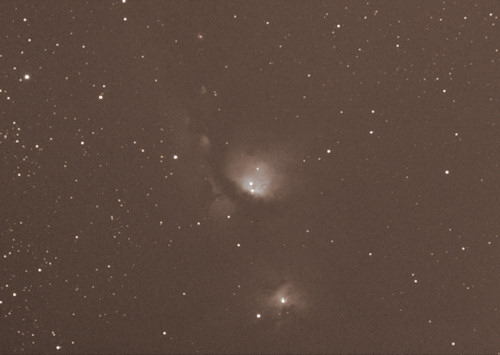
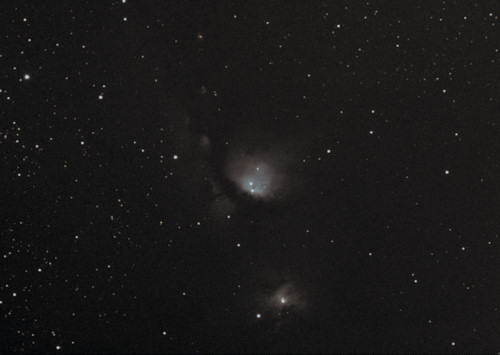
|
Often when shooting long exposure astrophotography, the sky background does not turn out black. This is due to emissions from oxygen in the upper atmosphere. In some locations, light polution casts a red - brown tinge to the sky. Fortunately this background cast can be easily removed using your favorite layer capable image editor. The example below uses Paint Shop Pro, but the method works equally well in Photoshop or Gimp. First let's take a look at the original shot of M78 with a reddish sky background. |
|
|
|
The trick here is to use another layer and a difference combine to remove the colour cast.
|
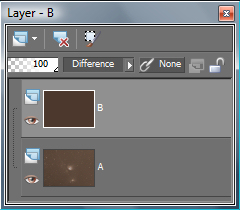 |
|
|